A custom Pilates studio platform should include booking down to each reformer or piece of equipment, class packs and credits with clear expiry rules, intro offers that turn first visits into regular clients, waitlists that refill a freed spot on their own, instructor pay that follows your real pay rules, and a branded app where clients do all of it from their phone. Those six areas are where a reformer studio differs most from a general gym, so they deserve the most detail in your brief.
Below, each area is broken into what to specify and one question to put to whoever builds it. A short checklist at the end pulls it together.
1. Booking by reformer, not just by class
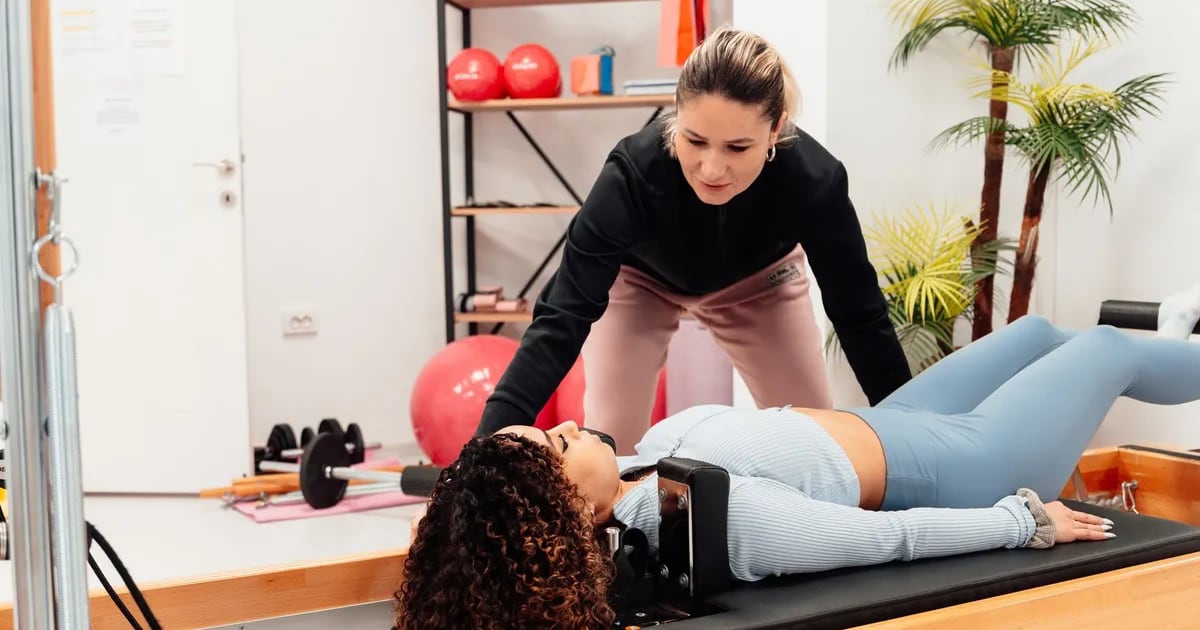
In a reformer class the scarce resource is the machine. Clients often have a favourite, front-row spots go first, and a reformer out for repair changes the class size.
What to specify:
Question to ask: "If a reformer breaks at 6am, what happens to the client booked on it for 7am?"
2. Class types that follow different rules
A Pilates timetable mixes formats that behave very differently:
Each format may need its own booking window, cancellation cut-off, credit cost and instructor rate. Model them as separate class types from the start instead of bending one generic type to fit them all.
Question to ask: "Can a duet automatically cancel and refund both clients if the second person drops out?"
3. Class packs, credits and memberships
Most reformer studios sell a mix of packs and memberships, and the rules around them carry real money.
What to specify:
Payments can go through Stripe, PayPal, Clover, Apple Pay or Google Pay, so a client buys a pack in the app with a tap and your desk sells the same pack in person.
Question to ask: "Will clients see exactly how many credits they have and when each one expires?"
4. Intro offers that convert
The intro offer is often the most important product a reformer studio sells, because it decides whether a curious first-timer becomes a regular.
What to specify:
Question to ask: "Can I see which instructors and class times turn the most intro clients into members?"
5. Waitlists and late changes
Full classes are good news until a client cancels late and a reformer sits empty.
What to specify:
Question to ask: "When a client cancels thirty minutes before class, who gets the spot and how are they told?"
6. Instructor pay that matches your rules
Instructor pay is where spreadsheets cause the most friction. Studios use many models:
The platform should calculate pay from the classes actually taught and the clients who actually attended, then produce a report for each pay period. Instructors should see their own schedule, cover requests and upcoming classes in a staff app.
Question to ask: "If an instructor covers half a class for a colleague, how is each one paid?"
7. Client notes instructors can trust
Pilates instructors need to know about injuries, recent surgery and pregnancy before a client steps onto the reformer. Build a notes area that the client fills in at sign-up and updates later, visible to the instructor on their class list before the session starts, with access limited to the staff who need it.
8. A branded app for your clients
Your clients book from their phones, so the app is the studio's front door. A custom build gives you iOS and Android apps under your own brand, published under your own App Store and Google Play accounts. Clients pick their reformer, buy packs with Apple Pay or Google Pay, join waitlists and see their history. Wearable data can sit in their profile if it helps your instructors, with specific devices confirmed during discovery. Our page on branded member and staff apps covers how we build them.
9. Owner reporting that answers studio questions
The figures a reformer studio owner checks are specific:
AI makes these easier to reach. Owners can ask questions of their own data in ChatGPT or Claude, such as "Which Tuesday classes had empty reformers last month?", and get an answer in plain language.
10. Room to open a second studio
If a second location is likely, plan for it now: packs valid at both studios, multi-location calendars, and one owner view across both. Our page on multi-location studio and club software goes deeper on this.
The brief checklist
Copy this list into your brief and mark each item as day one or later:
How we would build it
A focused studio product takes 4–6 weeks; a full platform with client and instructor apps plus an owner portal takes 6–8 weeks. The exact timeline is set after discovery. The process runs from a free discovery call, to a clickable prototype you can test with your instructors before any code, to weekly demos on a staging link, then QA and launch. Sixty days of support come with every launch, and ongoing support is available.
You pay by milestone, as each one (discovery and scope, design sign-off, beta, launch) is delivered and approved. The full source code, IP, apps and data belong to you, with an NDA if you need one.
The same team built MyGymDesk, our multi-tenant platform for gyms and studios with owner, staff and member portals, branded apps, payments and AI, as well as Trainaq, a coaching platform with coach and client apps, plan builders, AI food logging and public coach profiles.
Build your studio platform
See how we approach custom Pilates studio software, from reformer booking to instructor pay and intro offers. If you would prefer a ready platform today, our Pilates studio software and class booking software are worth a look.
For the full range of what we build, visit custom software for gyms and studios. When your checklist is marked up, tell us about your project.
FAQ
Can clients choose a specific reformer when they book?
Yes. A spot map lets clients pick a machine, and capacity adjusts when a reformer is taken out of service.
Can different class types use different credits?
Yes. Reformer, mat and private credits can be priced and tracked separately, each with its own expiry.
How long does a custom Pilates platform take to build?
A focused product takes 4–6 weeks and a full platform with apps takes 6–8 weeks, confirmed after discovery.