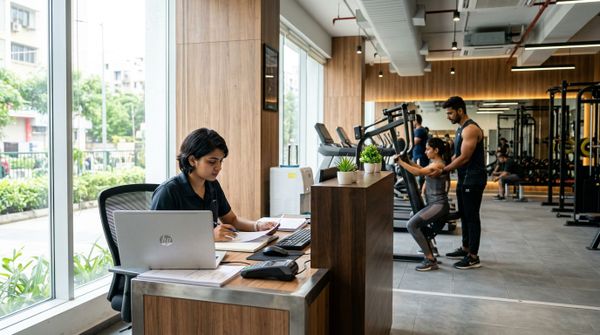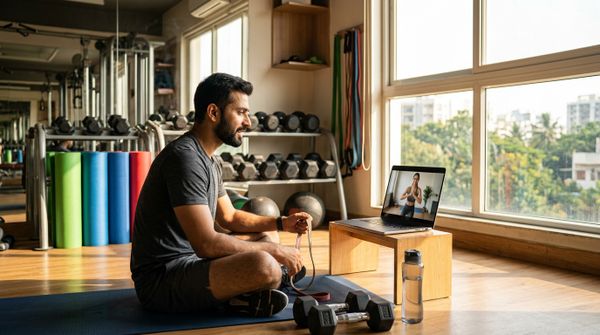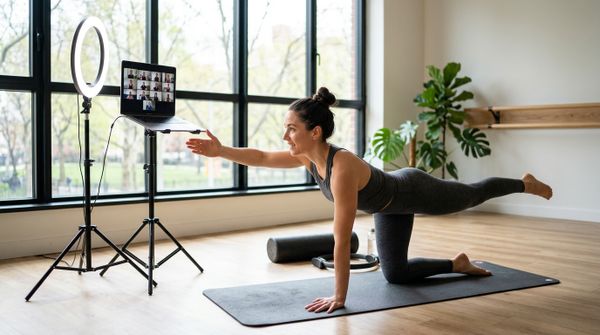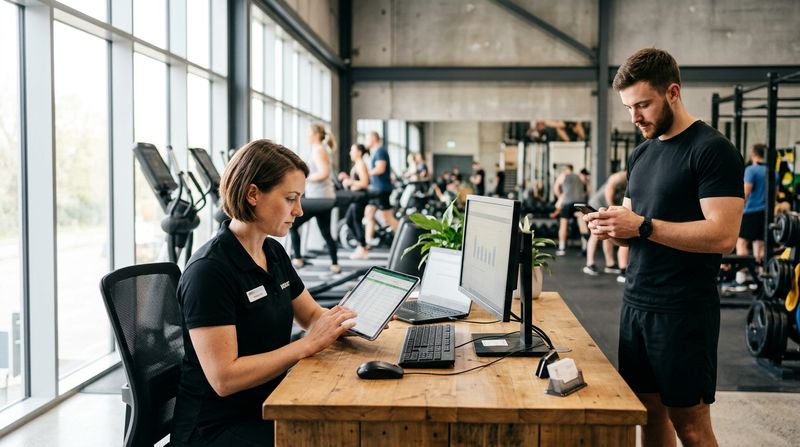
Remote employee attendance is recorded most reliably by combining a live selfie with a GPS location stamp at the moment of check-in. The employee opens an app, takes a photo, and the app records where they are. A manager sees the time, face and location in one entry — no register, no WhatsApp message, no trust-based honour system. The rest of this post covers how the technology actually works, which roles it suits, how to roll it out fairly, and where location tracking tips into surveillance that erodes trust instead of building it.
This guide is written for gym and fitness business owners who manage a mix of on-floor staff, field sales executives, home-visit trainers and remote admin. The same principles apply whether you run one location or several.
How Does Selfie Plus GPS Check-In Actually Work?
Selfie attendance apps work in three steps: capture, verify and log.
Some systems add a geo-fence: a virtual boundary drawn around a permitted zone such as a client's home address or a branch. Check-in is accepted only if the phone is inside that boundary when the photo is taken. Check-out works the same way.
The result is an attendance record that is harder to fake than a paper register or a WhatsApp "I'm here" message, without requiring expensive hardware at a remote site.
Which Gym Roles Benefit Most From Remote Attendance Tracking?
Selfie and GPS check-in is the right tool for staff who work away from a device-equipped location. In a fitness business, these roles come up most often:
For staff who are always on-site at a well-equipped gym, a biometric device or QR check-in is faster and more accurate. You can read how those work in the gym biometric attendance setup guide and the complete guide to QR attendance.
What Should a Selfie Attendance Policy Cover?
A written policy prevents misunderstandings before they become disputes. Cover these points before you switch the system on:
The essentials your policy must state
Get employees to sign the policy before rollout, not after.
Step-by-Step: Rolling Out Selfie Attendance for a Distributed Gym Team
Example rollout (illustrative figures)
| Week | Action | Who is responsible |
|------|--------|--------------------|
| 1 | Select app, create accounts, upload reference photos | Owner / HR |
| 2 | Pilot with two or three home-visit trainers | Branch manager |
| 3 | Collect feedback, adjust geo-fence radius if needed | Owner / HR |
| 4 | Roll out to all remote roles, run parallel with old system | Branch manager |
| 5 | Switch off old system, confirm salary linked to new records | Owner / HR |
Before week 1:
During rollout:
When Does Attendance Tracking Become Surveillance?
Remote attendance tracking crosses into surveillance when the monitoring goes beyond what is needed to confirm presence at work. Watch for these signs:
A useful test: if you would be uncomfortable explaining the full details of what you collect and why to a new joiner on their first day, the monitoring has probably gone too far.
Work From Home Attendance: Special Considerations for Gym Admin Roles
Most gym admin roles — billing, lead follow-up, social media, accounts — can be done remotely. For these roles, selfie attendance is a pragmatic replacement for the office register. A few extra points apply:
For context on how attendance feeds into salary and payroll calculations, the gym staff payroll management guide covers the broader process.
What to Look for in a Selfie Attendance App
When evaluating apps, check for:
For on-site staff at your gym, biometric attendance devices integrated with your gym software remain the most accurate and tamper-proof option. You can browse the compatible biometric machines that connect directly to gym management software.
How MyGymDesk Helps
MyGymDesk's staff management feature gives every team member a login with role-based permissions, limited to their branch — so a trainer at your Koramangala location cannot see records from your Indiranagar branch. Owners get a single dashboard across every location, which makes it straightforward to audit who checked in and when, alongside member attendance, revenue and dues. For on-site staff, MyGymDesk connects with eSSL and ZKTeco biometric devices for fingerprint and face check-in, with membership validity synced to the device automatically.
If you are ready to bring your gym's staff records, billing and member management into one workspace, start your free trial or book a demo to see it in action.
FAQs
Is selfie attendance legal for employees in India?
Collecting employee photos and location data for attendance purposes is generally permitted, provided employees are informed, consent is documented and data is used only for the stated purpose. The Information Technology Act, 2000 applies to data handling, and the Digital Personal Data Protection Act, 2023 will impose additional obligations once fully enforced. Confirm your specific obligations with a lawyer before rollout.
Can a geo-fence be set to a member's home address for home-visit trainers?
Yes. Most selfie attendance apps allow geo-fences to be set to any co-ordinates, not just a fixed office. For home-visit sessions, you would set the fence to the member's registered address for that booking slot. The radius should be wide enough to account for GPS drift — a narrow radius can generate false rejections even when the trainer is standing at the door.
What happens if an employee's phone GPS fails at check-in?
A good system should have a fallback: the employee contacts their manager at check-in time (a video call works well), the manager logs the exception manually, and both parties confirm it in writing. Document every exception consistently so the process is the same for everyone and cannot be seen as favouritism.
How is selfie attendance different from biometric attendance?
Biometric attendance — fingerprint or face recognition on a physical device — requires hardware installed at the workplace. It is highly accurate and nearly impossible to fake. Selfie attendance is software-only and runs on the employee's own smartphone, making it practical for remote or field roles where installing hardware is not feasible. For on-site gym staff, a biometric device is the stronger option.
Should gym trainers be on the same attendance system as admin staff?
Not necessarily. On-floor trainers are best tracked by a biometric device or QR check-in at the gym entrance. Home-visit or remote trainers need a mobile-based solution like selfie plus GPS. Admin staff working from home need a lightweight check-in with a clear output framework alongside it. Using the right tool for each role is more effective than forcing everyone onto one system.